
Zoho Books
Setup Guide
You'll need the following information to set up your Zoho Books App with Iconnek SYNC:
| Input | Notes | Example |
|---|---|---|
| Organization ID | From your Zoho Books profile settings | |
| Account Credentials | Your Zoho account login credentials |
Preparing the connection
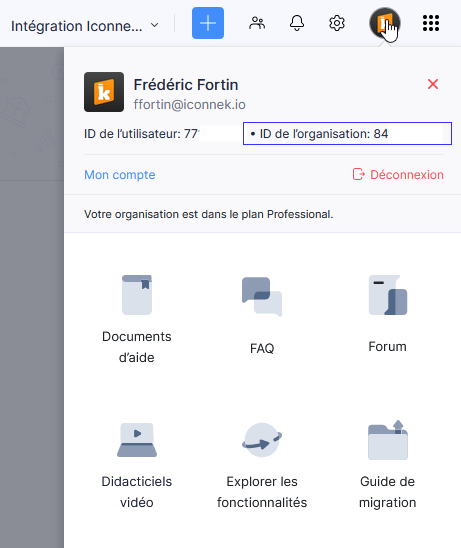
Get Organization ID
- In Zoho Books, go to Profile Settings.
- Copy your Organization ID.
Connecting from SSO
Follow the steps of approving an SSO connection.